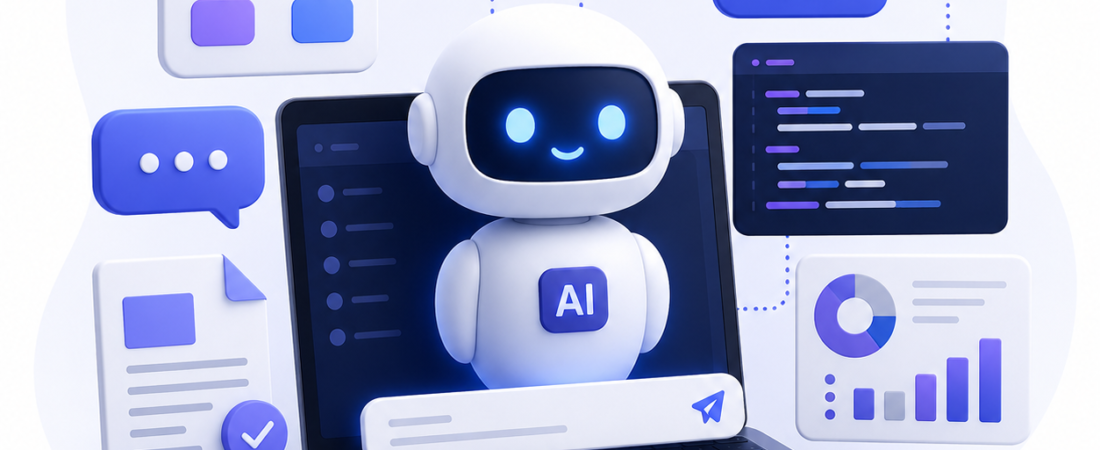
AI chatbots have moved far beyond simple scripted replies. Modern chatbots built on large language models can understand natural questions, look up information in your systems and complete tasks such as booking appointments or qualifying leads, 24 hours a day. This guide explains how AI chatbots work, the most useful business use cases, and how to plan a chatbot project that delivers real results.
What is an AI chatbot?
An AI chatbot is software that talks with people in natural language through a website, mobile app, WhatsApp or other messaging channels. Unlike older rule-based bots that follow fixed decision trees, AI chatbots use natural language processing and large language models (LLMs) to understand intent, handle varied wording and generate helpful answers.
The most useful business chatbots combine an LLM with your own data and systems. A technique called retrieval-augmented generation (RAG) lets the chatbot search your documents, FAQs or product catalogue before answering, so replies stay accurate and specific to your business.
Rule-based vs AI chatbots
- Rule-based chatbots follow predefined flows and buttons. They are predictable and cheap, but break when users ask something unexpected.
- AI chatbots understand free-form questions, remember context within a conversation and can be connected to business systems. They need more careful design, testing and guardrails.
Many businesses use a hybrid: AI for understanding and answering questions, with fixed flows for sensitive steps such as payments or account changes.
7 practical use cases for AI chatbots
- Customer support: answer common questions instantly, track orders and hand complex issues to a human agent with the full conversation attached.
- Lead generation and qualification: greet website visitors, ask qualifying questions and book sales calls directly into your calendar.
- Appointment booking: let clinics, salons, consultants and service businesses take bookings around the clock.
- E-commerce assistance: recommend products, answer questions about sizes, stock and delivery, and reduce abandoned carts.
- Internal helpdesk: help employees find HR policies, IT instructions or company documents in seconds.
- Onboarding and training: guide new customers or staff through setup steps and answer questions as they go.
- Data lookup: connect to your CRM or ERP so authorised users can ask questions like “What is the status of order 1042?”
Benefits for your business
- Faster responses: customers get answers in seconds instead of waiting for business hours.
- Lower support workload: repetitive questions are handled automatically, freeing your team for complex work.
- More leads captured: visitors who would have left can ask a question and leave their details.
- Consistent answers: every customer gets the same accurate information.
- Useful insights: conversation data shows what customers ask most and where your website or product is unclear.
How to plan an AI chatbot project
1. Pick one clear goal
Start with a single, measurable goal, such as “answer the top 50 support questions” or “book demo calls from the pricing page”. A focused first version is easier to build, test and improve.
2. Prepare your knowledge and data
A chatbot is only as good as the information it can use. Collect your FAQs, help articles, product details and policies, and keep them up to date. Decide which systems the chatbot needs to connect to, such as your CRM, booking tool or order database.
3. Choose the right channels
Go where your customers already are: your website, mobile app, WhatsApp, Facebook Messenger or Microsoft Teams for internal bots.
4. Design the conversation and handover
Write a clear greeting, define the tone of voice, and plan what happens when the bot can’t help. A smooth handover to a human, with the conversation history attached, keeps customers happy.
5. Build in guardrails and privacy
Limit the chatbot to approved topics and sources, so it does not make up answers. Protect personal data, follow privacy laws and make sure sensitive actions require proper authentication.
6. Test, launch and improve
Test with real questions before launch, then review conversations regularly. Track resolution rate, handover rate, leads captured and customer satisfaction, and use what you learn to improve answers and add new features.
What does an AI chatbot cost?
Cost depends on what the chatbot needs to do. A website FAQ bot that answers from your documents is a much smaller project than an assistant that connects to your CRM, takes bookings, supports several languages and runs on multiple channels. Ongoing costs usually include AI model usage, hosting and regular updates to the knowledge base. The best way to get an accurate figure is to define your goal and integrations first, then get a scoped estimate.
Common mistakes to avoid
- Launching without a clear goal or success metric
- Feeding the bot outdated or incomplete information
- Hiding the option to reach a human
- Connecting to sensitive systems without proper access controls
- Never reviewing conversations after launch
Build your AI chatbot with StackTrio
StackTrio designs and builds AI chatbots and automation tools that connect to your existing systems, from website assistants and lead-qualification bots to internal knowledge assistants. Explore our AI application development services, see our AI automation case studies, or contact our team to discuss your chatbot idea.